A PicCollage alternative with no subscription
PicCollage is a popular app for cards and a few photos arranged by hand. It is free with a watermark and ads, and its VIP subscription unlocks the rest. If you want one big collage of lots of photos, without another monthly charge, BigCollage works differently.
Choose up to 100 photos and a style. BigCollage lays them out for you in your browser, keeping the faces it can detect in frame. See it free with a watermark; pay £4.99 once if you want the print-ready file. Below is a side-by-side, with a source for every row, including where PicCollage suits you better.
Make your collage - free preview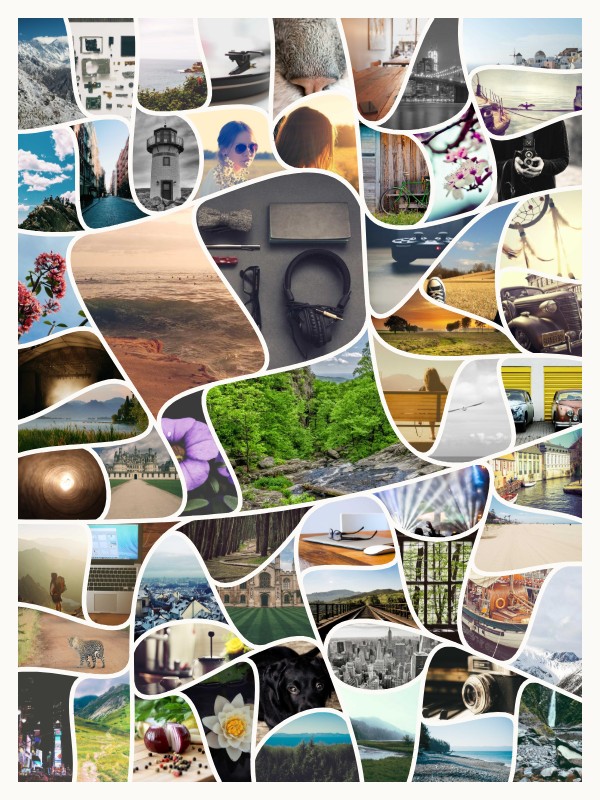
PicCollage and BigCollage, side by side
| PicCollage | BigCollage | Source | |
|---|---|---|---|
| Price model | Free with a watermark and ads. VIP subscription on the UK App Store: £4.49 a month, or £32.99 to £39.99 a year, with a 7-day free trial. | Free watermarked preview. £4.99 once for each collage's hi-res file. No subscription. | apps.apple.com |
| Removing the watermark | A one-off £1.99 'Remove Watermark and Ads' purchase is listed in the app. | Included in the £4.99, which is per collage. For a single small collage, their one-off option costs less. | apps.apple.com |
| What it is built for | Cards and scrapbook collages: 'easy for a two-photo grid, flexible enough for twelve'. | One big collage from up to 100 photos. | piccollage.com |
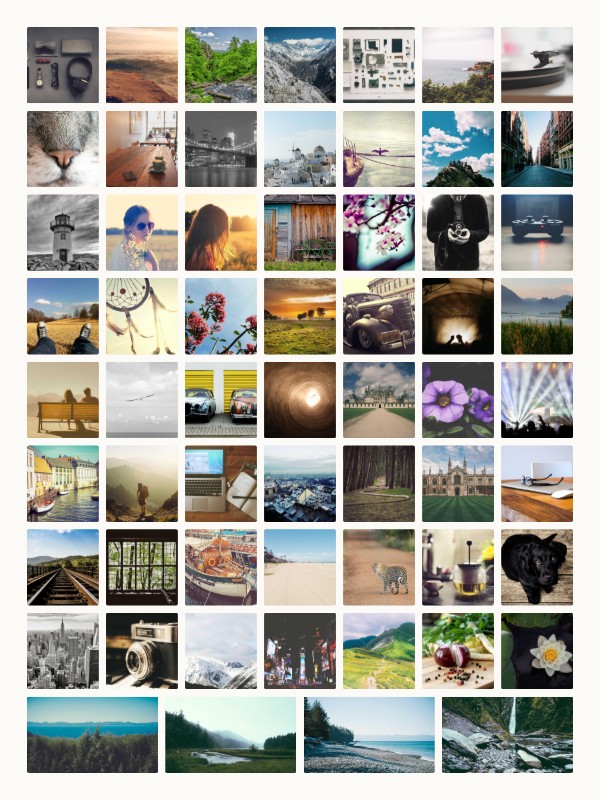
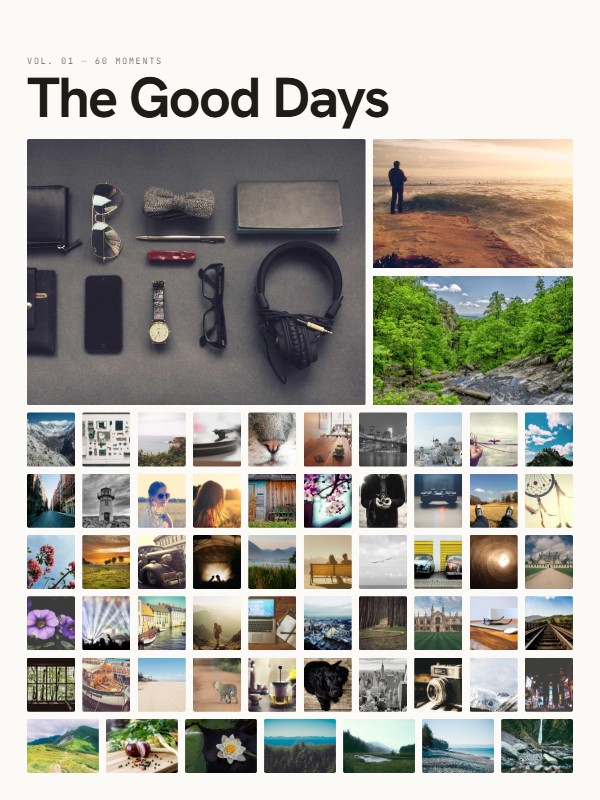
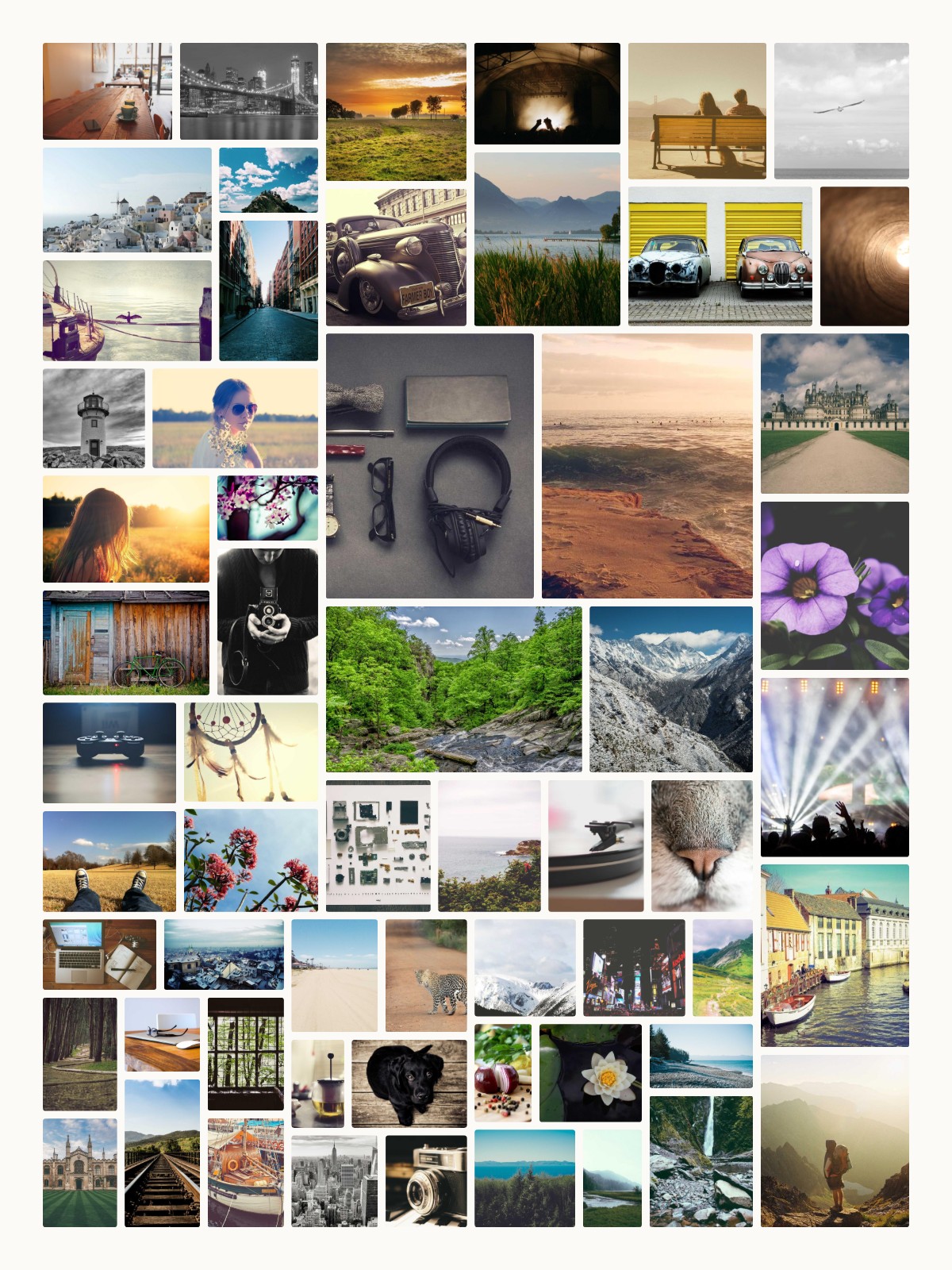
| Layout | You arrange photos yourself, with templates, stickers, backgrounds and fonts. | Laid out automatically in one of four styles (Grid, Curves, Editorial, Mosaic). You can shuffle, swap two photos, star or remove them, but not drag or resize a tile freely, and there are no stickers. | apps.apple.com |
| App or browser | iPhone and Android apps; piccollage.com also offers a browser editor. | Browser only, on a phone or a computer. No app to install. | piccollage.com |
| Where your work is kept | Saving your collages to the cloud is a VIP feature. | Nothing is uploaded while you design. After you pay, the photos your collage uses are uploaded to make the file and deleted within 3 days. | apps.apple.com |
| Prints | None sold. Their pages suggest printing at home. | Not yet; our own prints are coming. The 7200 x 9600 pixel file prints at any photo shop. | piccollage.com |
Checked on 23 October 2026 against PicCollage's own pages, linked in each row. Prices and features change; if something here is out of date, tell us at hello@bigcollage.co.uk and we will correct it. PicCollage is a trademark of its owner; BigCollage is not connected with it.
How it works
- Choose photos. Up to 100, and star your favourites.
- Pick a style. Grid, Curves, Editorial or Mosaic, with a title if you like.
- Download. See it free with a watermark, then get the print-ready file for £4.99.
Questions
Is BigCollage a subscription?
No. The preview is free and the hi-res file is a one-off £4.99 per collage. Nothing renews and there is no account.
When is PicCollage the better choice?
For a quick card, a few photos arranged by hand, stickers and text, or a design you keep editing on your phone. BigCollage does one thing: a big, automatic collage of many photos for printing or gifting.
Can I move photos around myself?
Partly. You can swap any two photos, shuffle, star the ones you want bigger and remove any you do not want, but you cannot drag or resize a tile freely. Check the free preview before you buy.
Where did these facts come from?
PicCollage's own website and its UK App Store listing, read on 23 October 2026. Each row of the table links to its source. If something has changed, email hello@bigcollage.co.uk and we will correct it.
More collage ideas
- A photo collage maker that makes something worth printing
- A collage maker for lots of photos: up to 100 in one
- A quick photo collage. No sign-up, no app, no subscription.
- A birthday photo collage they will actually frame
- A milestone birthday collage: decades of photos in one print
- A wedding photo collage for the wall, or for the parents
- An anniversary collage of your years together
- A family photo collage of the good days
- A memorial photo collage to celebrate a life
- A printable photo collage, ready for any print shop
- A Christmas photo collage: the whole year, in one gift
- A Valentine's Day photo collage of all your moments together
- A Mother's Day photo collage: years of photos, one gift
- A Father's Day photo collage, from all the photos on your phones
- A leaving gift they will actually keep
- A graduation photo collage, from first day to graduation day
- Baby's first year, in one photo collage
- A pet photo collage for the one who is always in your camera roll
- Every trip, finally off your phone and on the wall
- A free photo collage for your story or the group chat
- Canva or BigCollage for a photo collage?
- Too many photos for a Photobox collage?